
A generic AI reply to a negative Google review usually fails for the same reason: it tries to be polite before it understands the situation. “We’re sorry you had this experience” is not always wrong, but it is a poor substitute for checking what happened, deciding who should respond, and giving the customer a real next step.
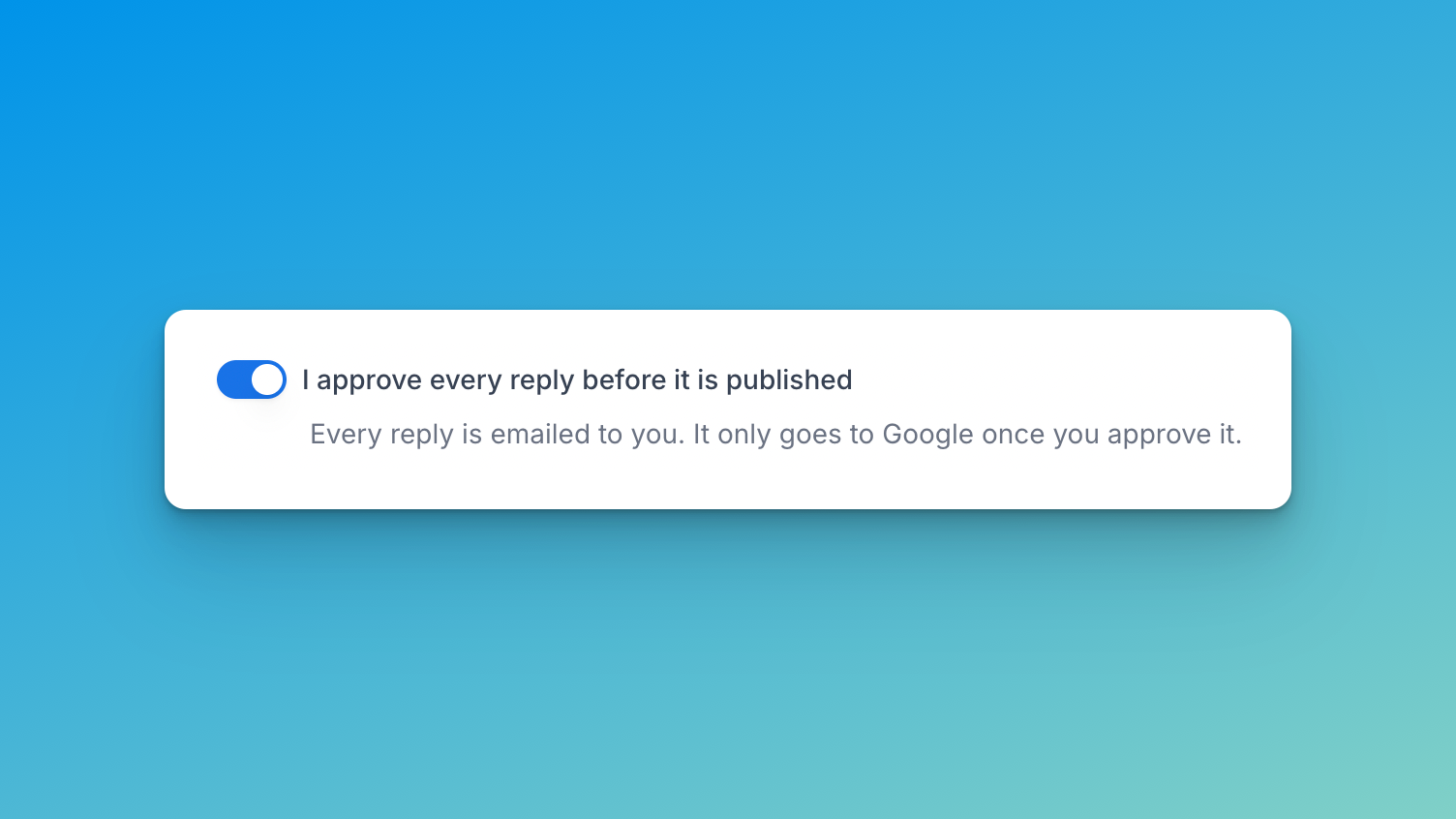
The safest rule is simple: do not automatically publish replies to negative or sensitive reviews. Use AI to prepare a draft, then let a person check the facts and choose the response.
Why negative-review replies sound generic
An AI model only has the context it receives. If it is asked to answer every low-star review with the same broad instruction, it will tend to produce broad language: a quick apology, a vague promise to improve, and an invitation to contact the business.
That can be unhelpful when the review mentions a missed appointment, an incorrect bill, a named employee, a health concern, or a disputed account of events. In those cases, a polished generic reply can be worse than a short, considered human response.
The goal is not to make every reply longer. It is to make each public reply accurate enough for the situation.
Put negative reviews in a review lane
Start by separating routine positive feedback from reviews that need judgment. A business can choose a star-rating threshold for routine automation, while keeping lower ratings as drafts. Rating alone is not enough, so the rule should also hold reviews that mention:
- a refund, legal action, injury, health, or safety;
- aggressive or abusive language;
- a named employee;
- a factual claim that the business needs to investigate;
- a specific service failure that requires an owner’s decision.
In FullReviews, those flagged cases remain drafts for human review. The business can set its own rating threshold, publishing delay, and publication window; there is no claim that every four- or five-star review should automatically publish.
For the complete operating policy, see Google review auto-reply rules.
Give the reviewer a useful brief
Before editing a draft, the person responsible should answer four questions:
- What did the reviewer actually say happened?
- Which part can we acknowledge publicly without guessing or accepting an unverified claim?
- Is there a clear next step, such as a manager reviewing the visit or contacting the customer directly?
- Does this need to stay offline because it involves personal, legal, health, safety, or account information?
That brief gives the AI useful boundaries. For example, “acknowledge the delayed appointment, say a manager is reviewing the booking record, and invite the customer to contact the manager directly” is specific enough to produce a helpful draft without inventing an explanation.
Ask for a response, not a script
Avoid prompts that force a canned result, such as “write a warm apology for every one-star review.” Instead, provide rules that preserve context:
- refer only to details present in the review or confirmed by the business;
- do not promise a refund, discount, investigation result, or policy change;
- do not repeat private account details in public;
- use one practical next step when one is appropriate;
- keep the reply brief if the issue must move offline.
A specific reply can be as short as: “Thank you for flagging the delay, Sam. This is not the experience we want to provide. Our manager is reviewing the booking and would appreciate the chance to look into it with you directly.”
It should only be published if the business has confirmed that wording is appropriate. The example is a pattern, not a reusable template for every complaint.
Improve the drafts from real edits
Track why people change or reject drafts for a few weeks. Useful labels include “too vague,” “incorrect assumption,” “too defensive,” “needed a named next step,” and “should not have been drafted automatically.” Those labels show whether the issue is the style guidance, the approval rule, or missing operating context.
If most low-star replies need fact checking, keep them in the review lane. Automation should reduce routine work, not pressure a manager to approve a reply they cannot verify.
A practical setup for a small local business
- Draft replies for all new Google reviews.
- Auto-publish only the routine feedback the business has reviewed repeatedly and explicitly made eligible.
- Hold negative, mixed, flagged, and unusual reviews for a person.
- Give that person a short checklist and an owner for escalations.
- Review the first published batch and tighten the rules when a reply feels generic or unsafe.
If you are deciding whether a tool can support this workflow, read AI review reply generator vs automatic review-reply software. For setup details, see how to automatically reply to Google reviews.
